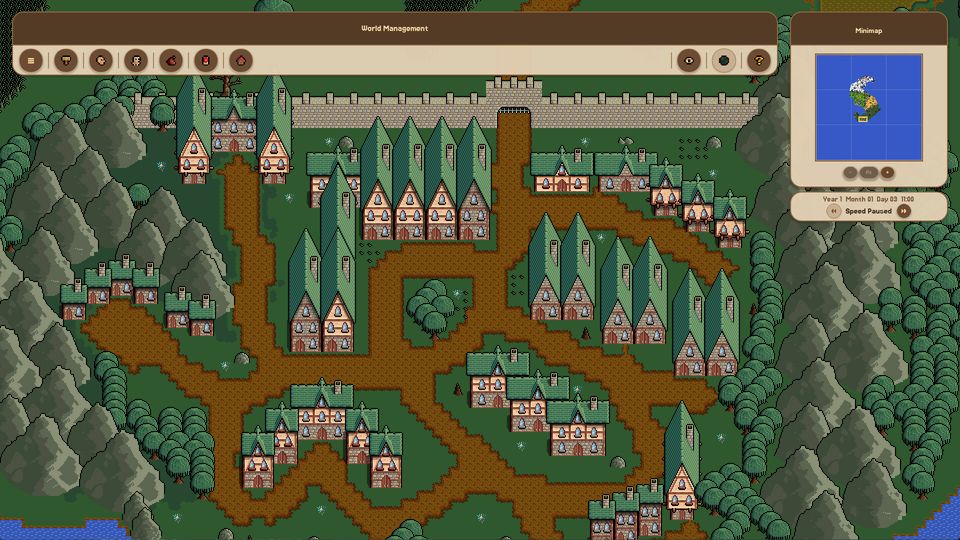
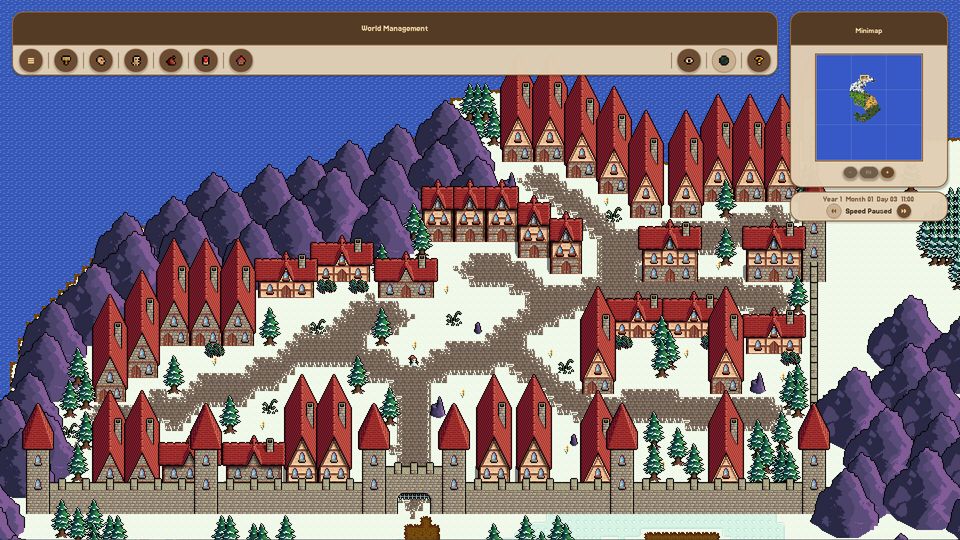
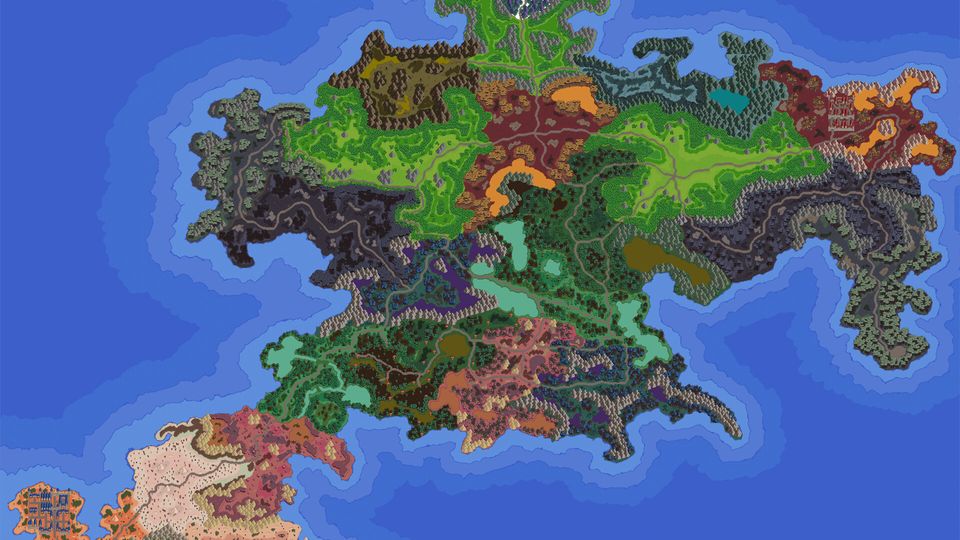
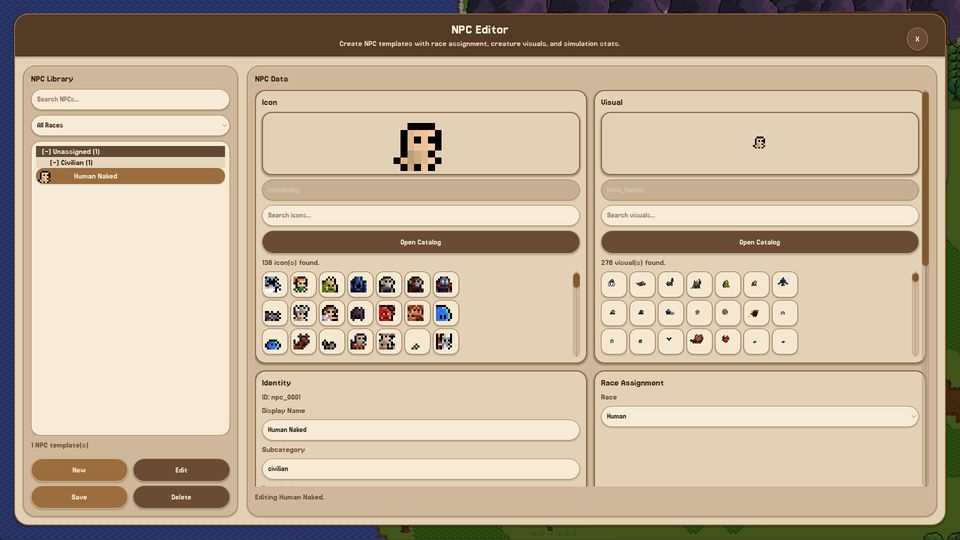
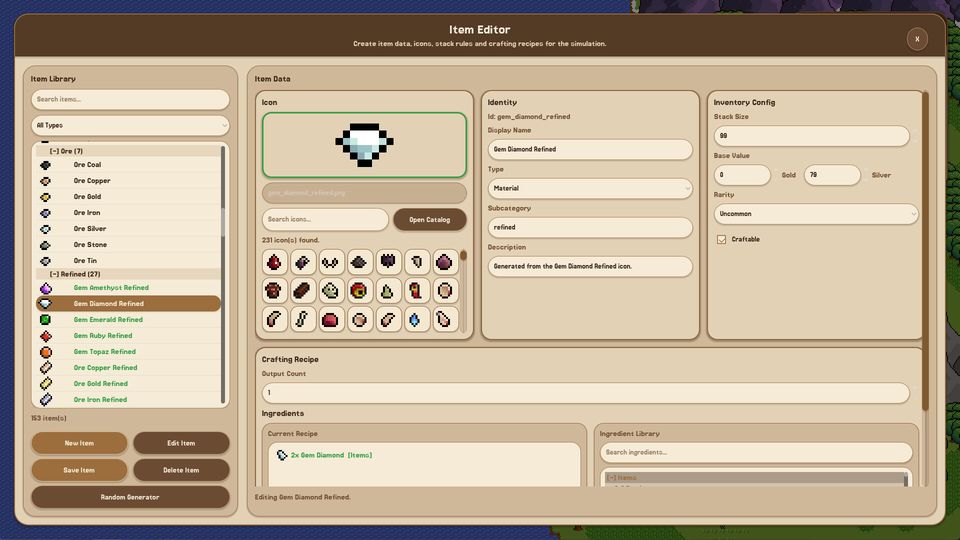
Fantasy World Manager is a worldbuilding sandbox that keeps running after you stop drawing. You paint terrain, draw regions and zones, write races and monsters, place towns, then unpause a simulation where factions argue, heroes take quests, monsters claim ground and populations get hungry. It entered Early Access on 28 October 2026 at $15 with a 10% launch discount, after roughly two years as a solo project by Florian Alushaj and a run to 150,000 wishlists.
That combination is unusual, and it is why this site exists. Most management games hand you a fixed map and a fixed economy. This one hands you the editors and asks what you want the world to do. The launch build is broad on creation and uneven on simulation, so the useful question is not "what is this game" but "which part of it do I touch first, and what will break if I touch it in the wrong order".
What the launch build actually contains
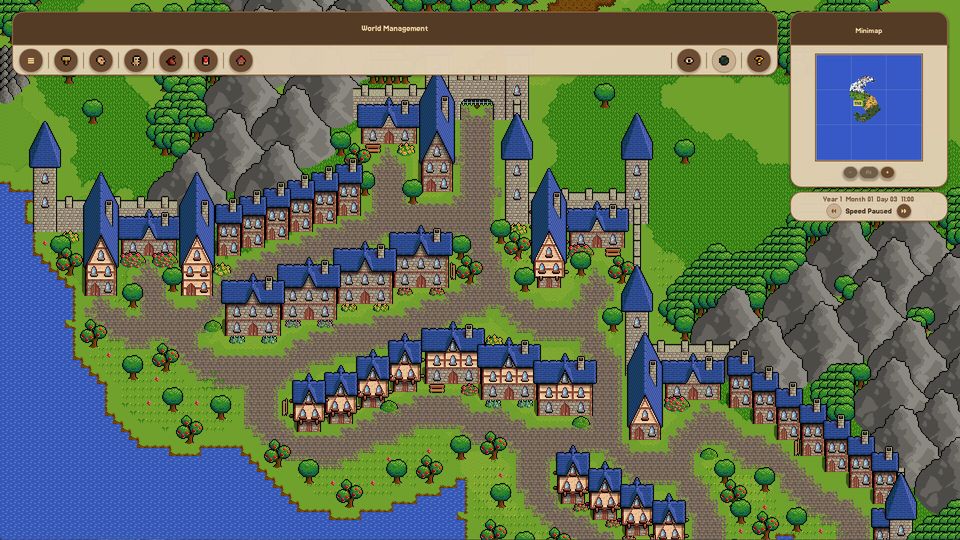
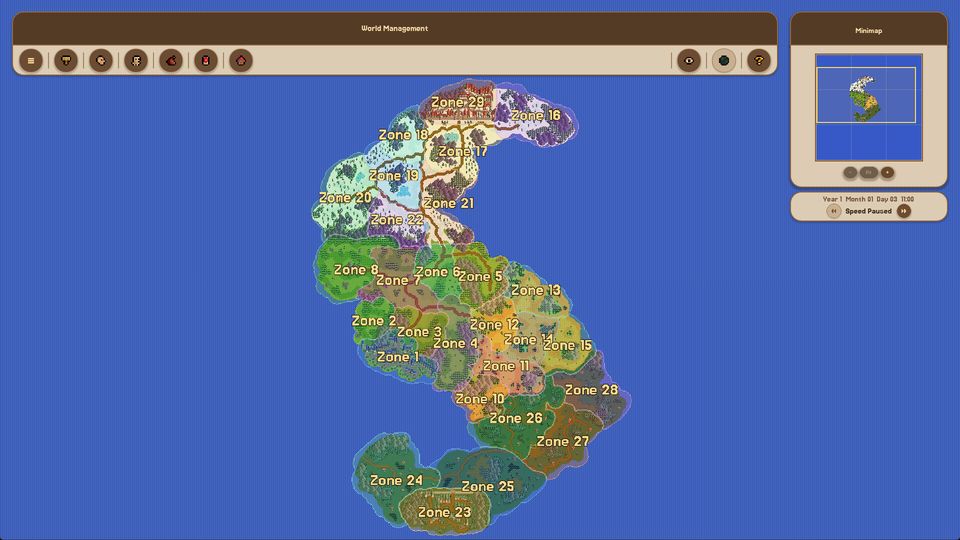
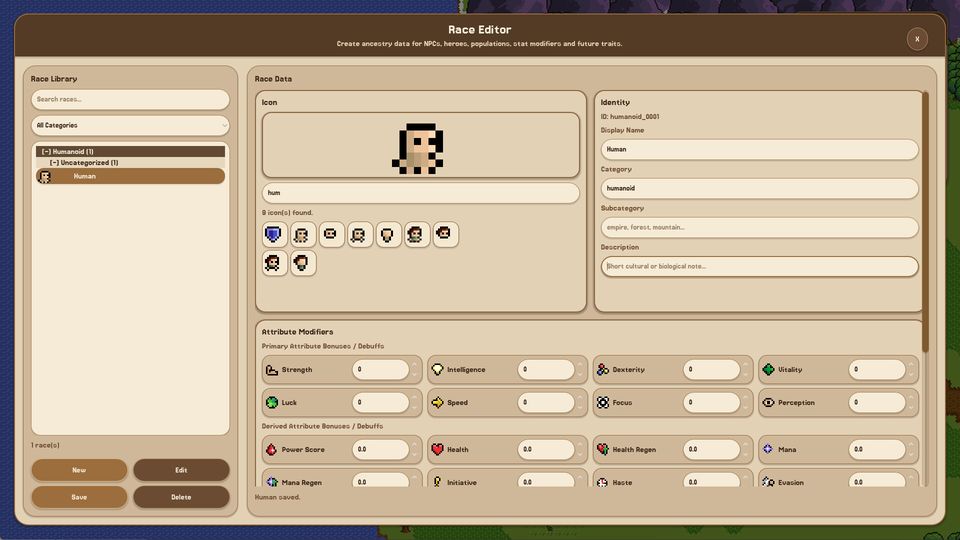
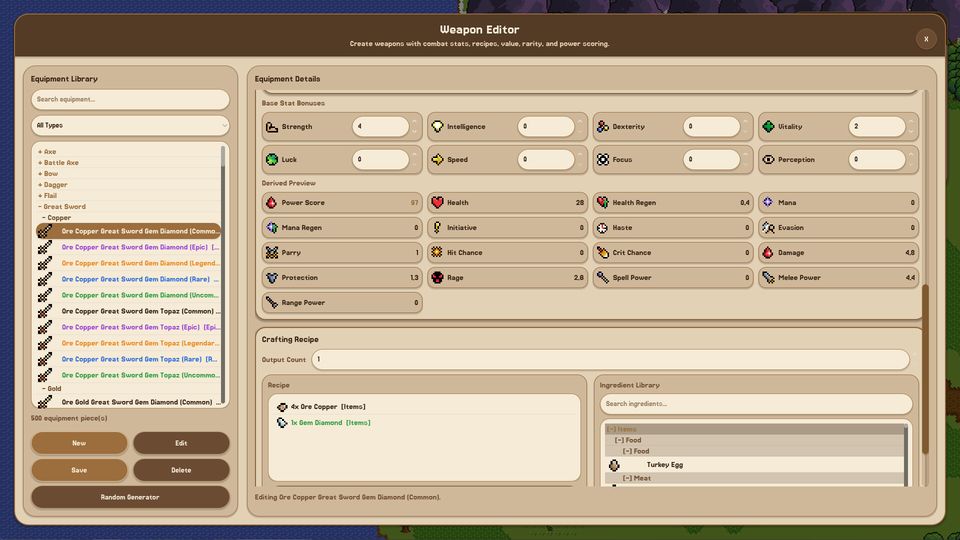
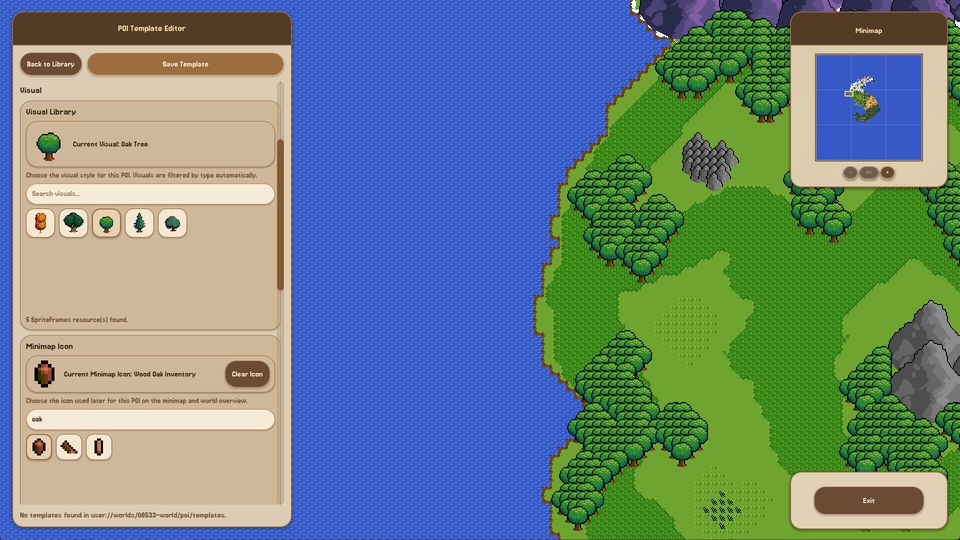
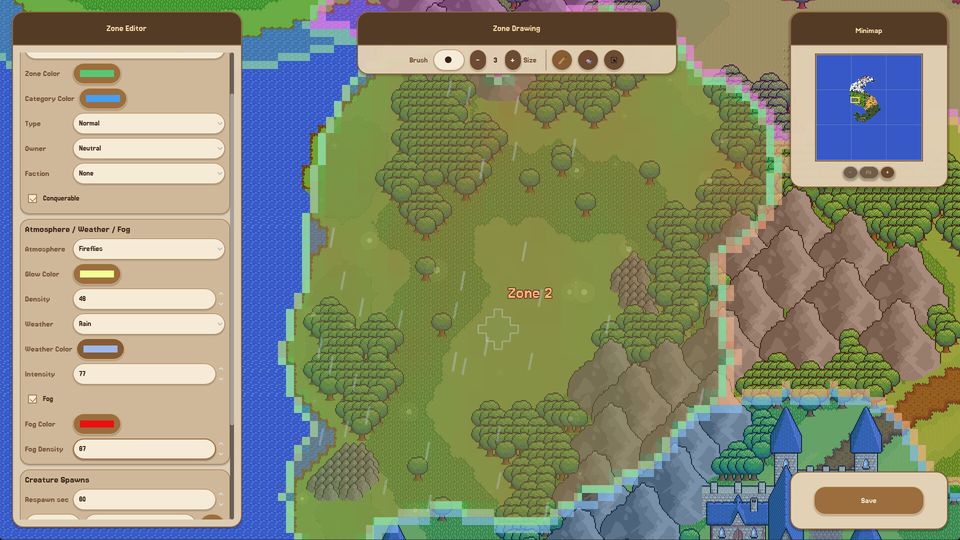
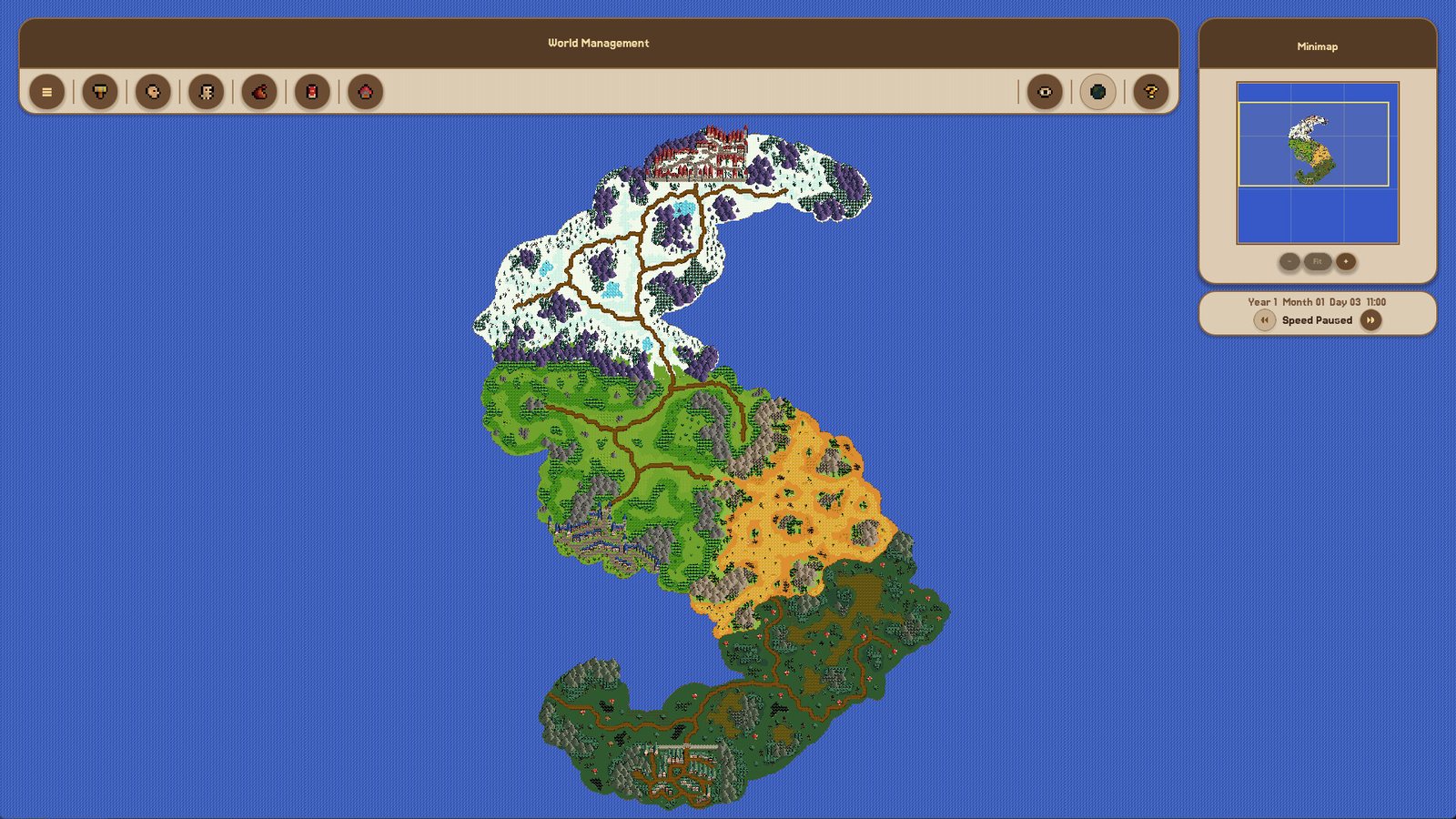
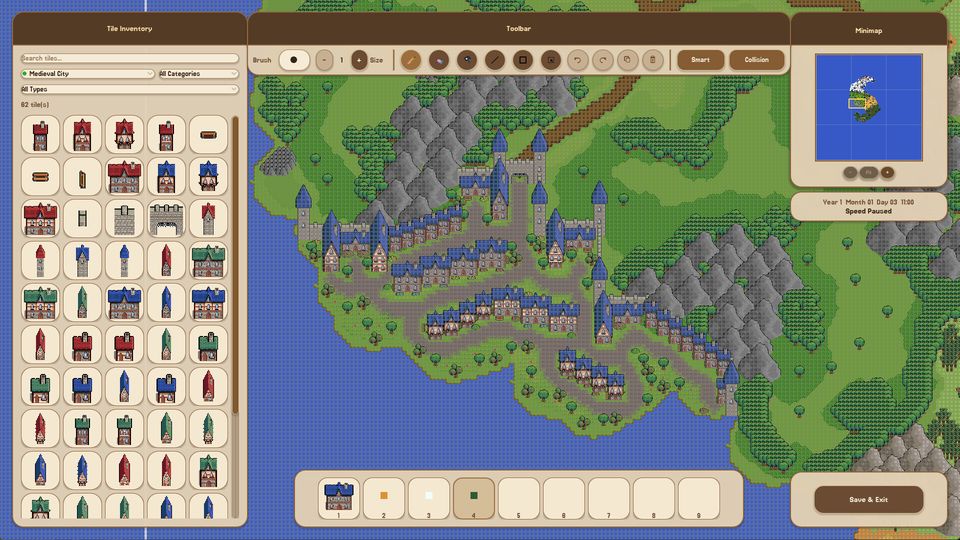
The creation side is complete enough to build a continent. The world editor paints terrain across layers with brush, rectangle, line and select tools, a nine-slot hotbar and collision checks. Regions and zones are drawn on top and carry the rules the simulation reads: who owns a zone, which faction holds it, whether it can be conquered, what weather and fog look like there and what creatures spawn inside it. On top of that sit template libraries for races, NPCs, monsters, items, equipment and points of interest, each with a searchable catalog and a stat block.
The simulation side is the part still growing. Needs, hunger, faction currency, threat level, crafting, equipment distribution, diplomacy and zone capture all work. Quest, event and pet editors do not ship at launch; they are scheduled for the first 2027 update, with dungeon, boss and mount editors in the second and class and spell editors in the third. Modding arrives with 1.0.
| Area | In the launch build | Still scheduled |
|---|---|---|
| World and terrain | Full editor, layers, prefabs | More assets each update |
| Regions and zones | Drawing, ownership, weather, spawns | Quest and event hooks in 2027 |
| Races, NPCs, monsters | Editors, libraries, stat blocks | Pet editor (Q1 2027) |
| Items and equipment | Editors, recipes, rarity, value | — |
| Simulation | Needs, factions, diplomacy, capture | Box Mode, deeper behaviour in 2027 |
| Sharing | Steam Workshop: worlds, prefabs, sprites | Expanded Workshop integration |
Where to start
If you have not opened the game yet, read How to play first. It walks through world creation, the first town and the moment you press play, in the order that avoids rebuilding terrain twice. The beginner guide is the smaller, slower route: one culture, two factions, six creatures, and a world small enough that you can watch a single village for an hour and understand why it behaved the way it did.
If you already know the editors and want the numbers, go straight to the data pages. The attribute reference lists every primary and derived stat the game tracks, the zone field reference covers the panel field by field, and the time and speed table explains why a simulated year costs 48 real minutes at maximum speed.
The three things new players get wrong
Building too big, too early. A continent with forty factions looks impressive and simulates badly, because you cannot tell which system produced which outcome. Start with one region you can see on a single screen.
Treating the simulation as automatic. It is not Worldbox. Factions generate quests from their needs, but the needs come from the world you built. If nothing interesting happens, the problem is usually the map, not the AI.
Ignoring the zone layer. Zone ownership and spawn rules are what turn a painted map into a place with borders and danger. Skipping them gives you terrain, not a world.