Launch problems and how to fix them
Most launch problems are renderer or resolution related: try the alternate renderer launch option, check your display is at least 1920x1080, and update your Vulkan driver. Saves are protected against update corruption.
Early Access launches are messy by definition, and this one is a solo project with a public bug list. Most of what people hit in the first week falls into four buckets: graphics driver, renderer choice, resolution, or a save that an update touched. Work down this page in order - the checks get more invasive as you go.
Work through this in order
| Step | What to try | Applies to |
|---|---|---|
| 1 | Update the GPU driver, especially the Vulkan component | Crashes on start, black screen, broken rendering |
| 2 | Check the display is at least 1920x1080 | UI too large, panels off screen |
| 3 | Try the other renderer launch option, if your copy offers one | Crashes at load, stutter, minimap glitches |
| 4 | Verify the game files in Steam | Missing assets, instant crash |
| 5 | Move the world folder aside and start a new world | Crash only when loading a specific save |
| 6 | Report it with the log file and your world attached | Anything that survives 1-5 |
The resolution issue, specifically
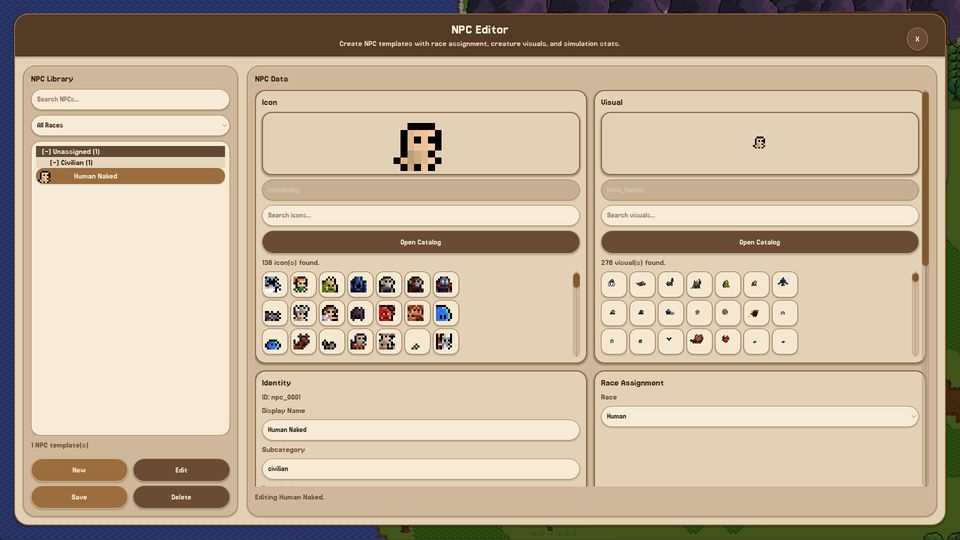
The developer pinned a known issue in the Steam hub: on monitors below 1920x1080 the UI can render too large, because the interface is not scaled down far enough. The pinned reply states a fix was going into a patch.
If you are on a 1366x768 laptop or a 1600x900 monitor, this is the first thing to check before you conclude the game is broken. Full-screen at native resolution is the safest configuration for now; if the UI still overflows, the game is simply not laid out for that height yet.
Graphics: Vulkan is not optional
The official minimum specification asks for Intel HD 530-class graphics with a Vulkan 1.0-compatible driver. That last clause is the one people skip, and it is the one that produces a black screen or an immediate crash: an older integrated GPU can support the raw performance and still fail because its driver does not expose Vulkan 1.0.
Two practical notes:
- Laptop drivers from Windows Update are often older than the vendor's. Get the driver from Intel, AMD or Nvidia directly.
- If the game offers a second renderer in a launch options dialog, it exists precisely for machines where the default path fails. Try it before you refund.
Stuck on loading, or crashing on one world
If the game starts but a specific world will not load, the world is the suspect, not the install. Move the world folder out of the game's world directory, start a new world, and see whether the game behaves. If it does, the old world has a problem you can report - and because the launch build keeps versioned saves with corruption protection, the original file should still be intact for when a fix lands.
Do not hand-edit save files. The version protection that preserves your world across a broken update is also what will reject a file you have modified.
When the simulation crawls
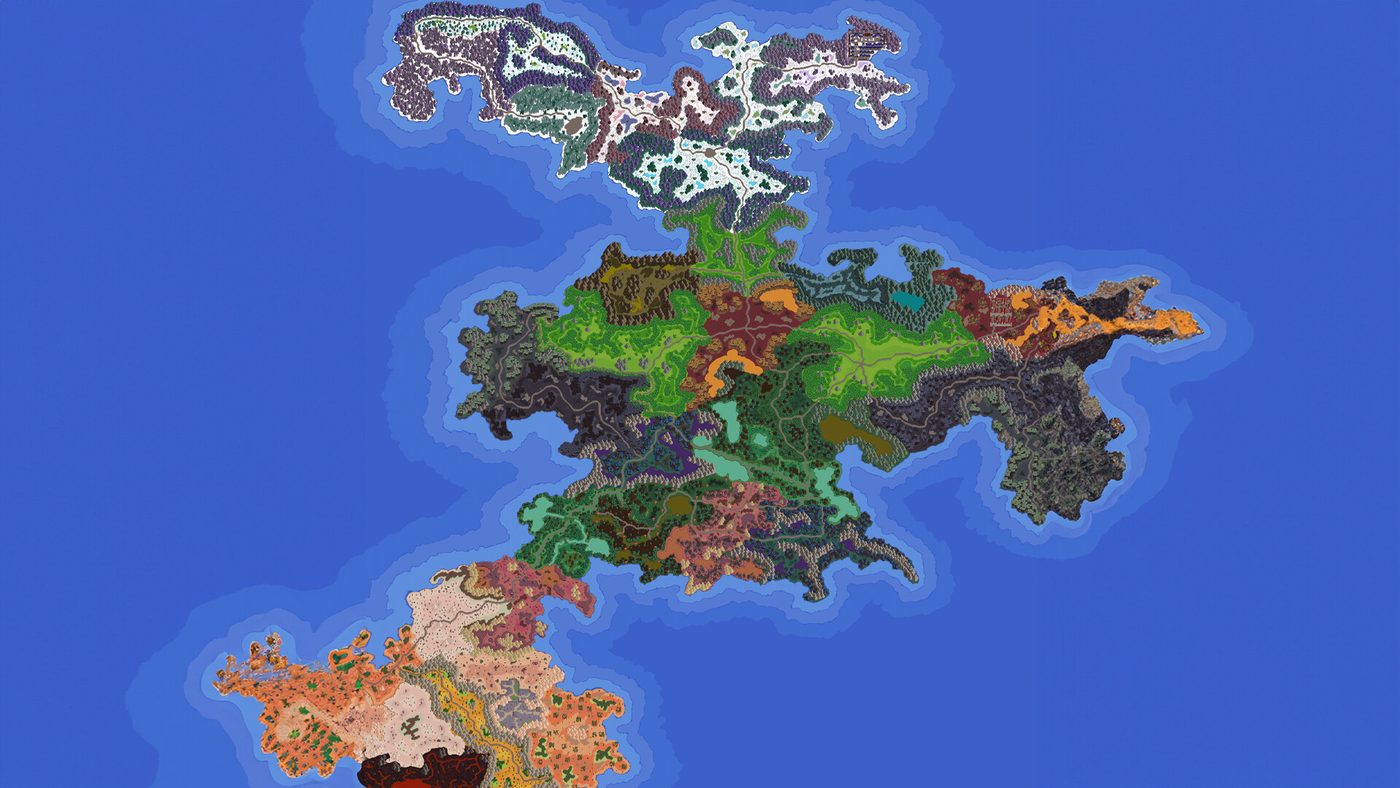
Large worlds slow down for a different reason than pretty ones. Rendering cost scales with what is on screen; simulation cost scales with how many entities have needs, equipment, quests and ageing state. A dense map with two hundred villagers can run worse than a large map with thirty.
What helps, in order of effect:
- Lower the speed. High speed multiplies simulation work per real second.
- Reduce population and creature counts in the zones you are not watching.
- Zoom out less. The game renders what you look at.
- Trim the object layer. Decorative props cost less than entities but not nothing.
Reporting a bug so it gets fixed
One developer reads the reports, so the quality of the report is the whole game:
- The log file, not a screenshot of the log.
- The world folder, if the bug is world-specific - it is the only way to reproduce your map.
- What you did in the thirty seconds before it happened, in order.
- Whether the renderer option was changed, and your GPU model.
The Steam discussions hub and the official Discord are both actively read. The pinned threads are worth checking before posting; a known issue with a fix in progress saves you an hour of troubleshooting.
What is not a bug
Some things look broken and are not:
- Nothing happening at speed 5 for a few minutes. The simulation compresses a year into 48 minutes; quiet stretches are normal.
- Zones that never change hands. Check conquering flags and adjacency before assuming the AI is broken.
- A faction with no quests. It may simply have no unmet needs.
If the world is quiet rather than crashed, the diagnosis order in the simulation guide will find the cause faster than reinstalling anything.
Related pages
If the game starts but a world stutters, the performance page covers what to change. If a panel behaves oddly rather than the game crashing, the interface tour explains what each control does. And if the thing you are looking for simply is not in the build yet, the Early Access state page lists what shipped and what is scheduled.